

4Action & story
Action & story: understand the selected cue
WaitThenEditable fields
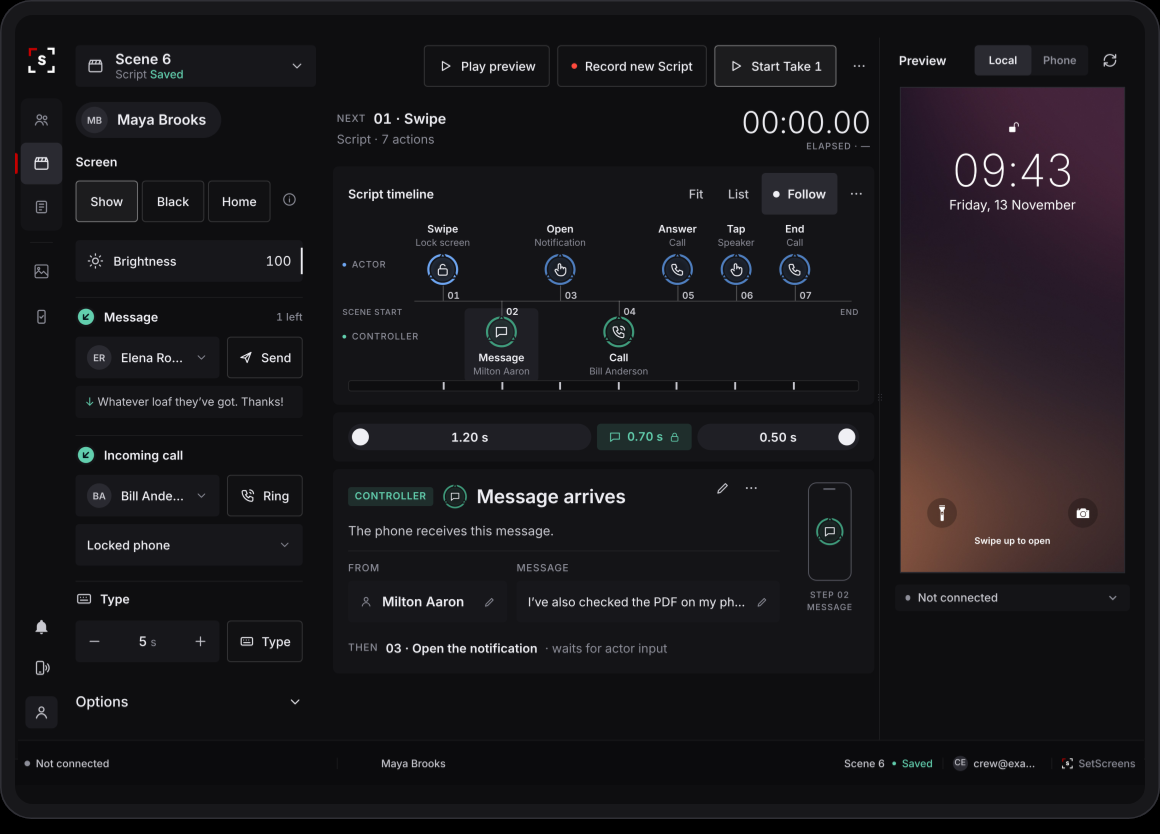
Who, to whom, what
This is a main working area alongside the timeline. It explains who is acting, who receives a message or call, what text or target is involved, and what the sequence is waiting for. Use it to understand the action without decoding the timeline label.
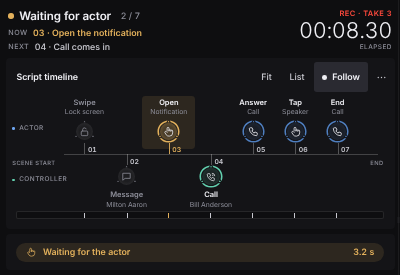
What the scene is waiting for
An actor wait means an input is expected from the performer. An automatic wait comes from the actual authored timing. Typing progress reflects the runtime’s confirmed text and pending text. The panel does not invent a countdown when the engine has not supplied one.
What can be changed
Fields that can be changed have explicit editing controls. Read-only Script text, a closed Take and preview-time observations remain read-only. Selecting a cue does not itself mean that the action has executed.